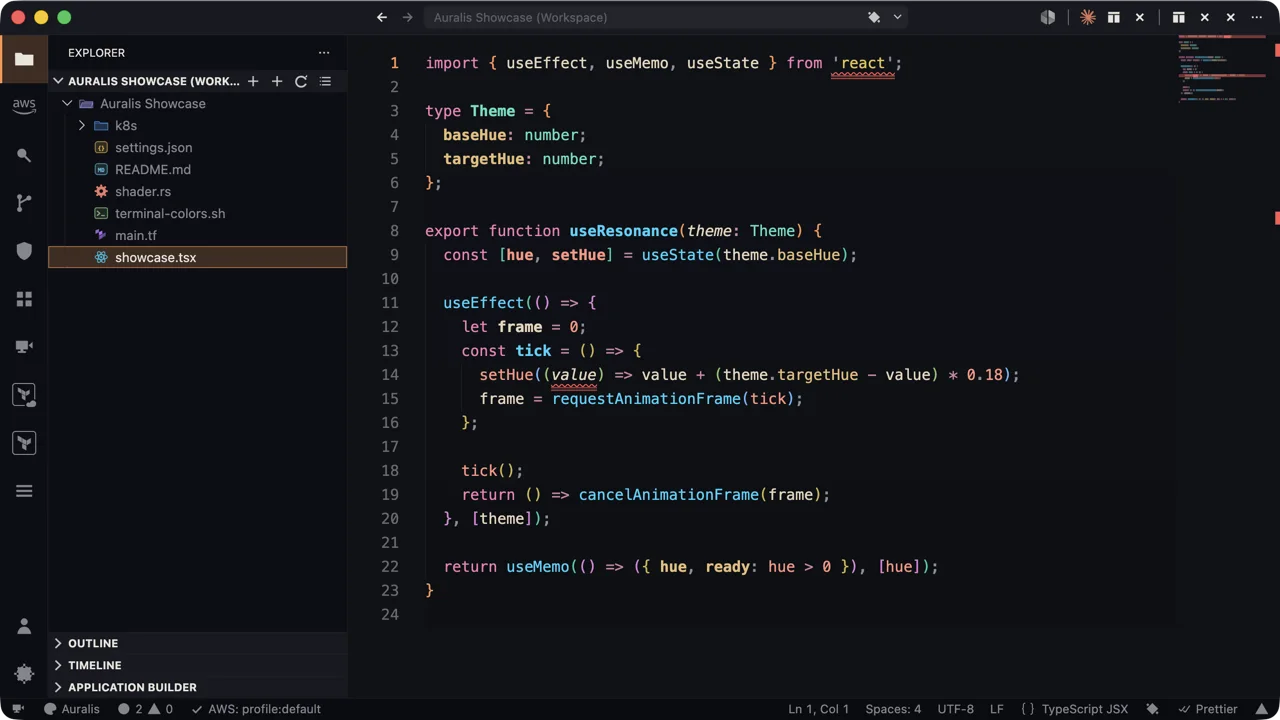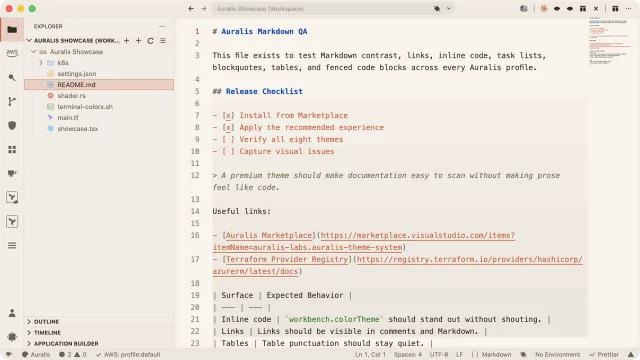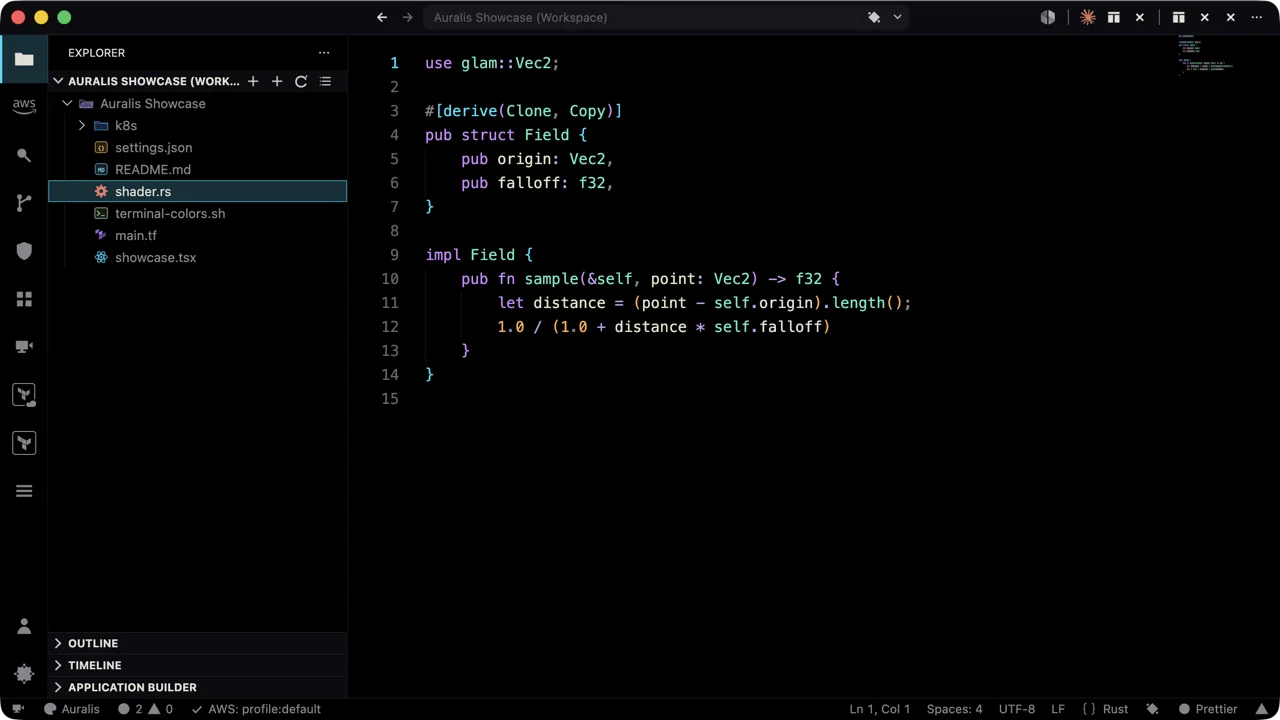
Auralis is not “just a theme.” It’s a nine-variant system generated from a perceptual OKLab color engine — contrast-audited in CI, ported to every terminal you use.No telemetry. No network calls.
v0.6 · Free during beta · No telemetry, no network calls · 9 themes + icons
Nine variants, one engine — click a chip or use ← → to preview live.
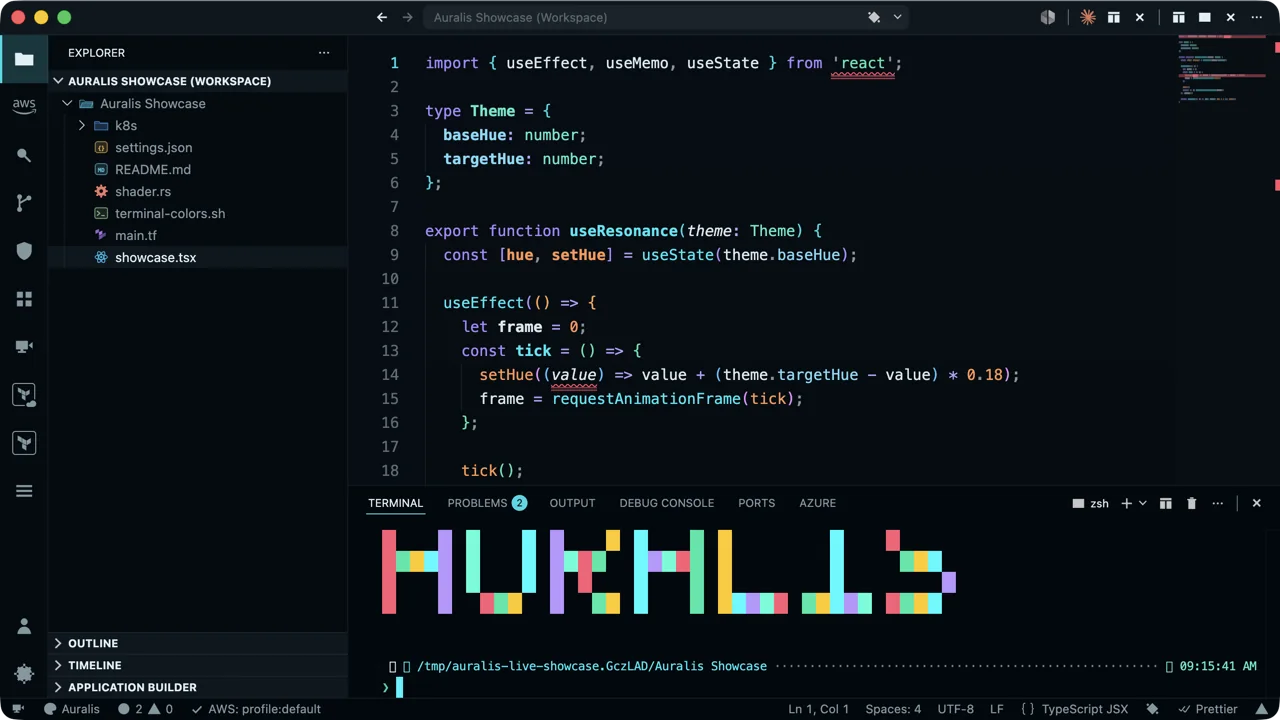
Every variant ships with generated ports for your terminal — same ANSI palette, same canvas, same accent. Run Auralis: Export Terminal Theme inside VS Code, or grab the files from the support repo.
Browse the ports folder ↗
Auralis Botanica — ANSI palette 0–15 and the pixel wordmark, follows the switcher above.
Shift warmth, contrast, saturation, or swap the accent — live, in OKLab. Changes are theme-scoped, and the WCAG floors that gate every release are re-enforced after every adjustment. You cannot tune yourself into unreadable text.
Guard watches three local signals — kubectl context, Terraform workspace, git branch. Production turns the status bar red; staging gets amber. File reads only, nothing leaves your machine. Off by default, trusted workspaces only.
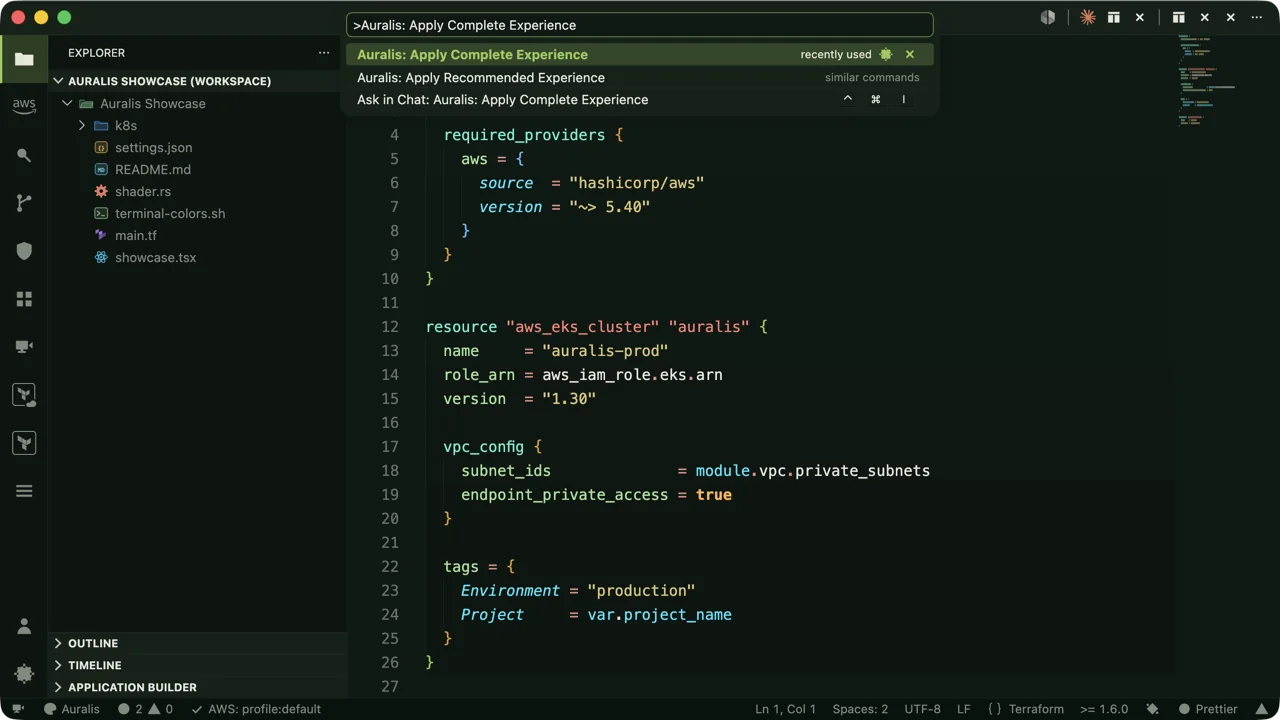
Commit one file and the repo recommends a complete Auralis experience — theme, profile, even your calibrated Tune adjustments. One toast, workspace settings only, never applied silently.
Light for daylight, forest for the evening, cinema dark at night. Entirely local, off by default — and if you switch manually, Rhythm respects your choice until the next boundary.
One command snapshots your look and applies the Review Lens profile; ending it restores exactly what you had. The edit heatmap keeps typed lines orange — bulk insertions (the shape of AI suggestions and pastes) turn violet.
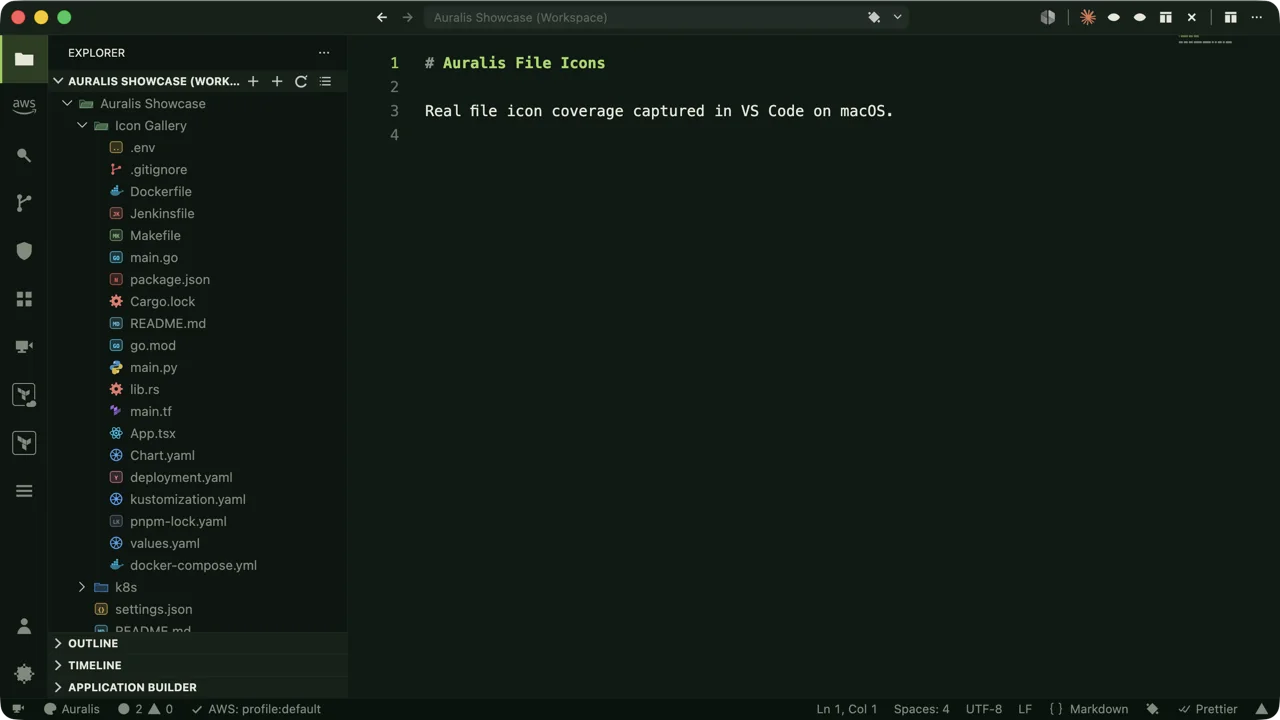
Nearly 400 file icon definitions — and the highest-traffic types carry hand-drawn pictorial glyphs instead of letter chips.
And a bespoke product icon font restyles VS Code’s own UI — 583 workbench icon ids, 111 hand-drawn glyphs — from the Explorer to every IntelliSense symbol kind, so completion lists keep carrying meaning. Auralis: Sync Icons With Active Theme keeps both paired with your color theme.
Every variant’s body text is measured against its canvas before it ships — the numbers on the right are computed live from the palettes on this page.
And because “accessible mode” shouldn’t mean “ugly mode,” the true high-contrast themes — Noir HC and Paper HC — and the deuteranopia-safe Frost Colorblind are first-class variants of the same engine, not afterthoughts.
Aurora borealis, joined to -alis — “belonging to.”
The aurora appears where the night is darkest — light that belongs to the dark, not light that fights it. That’s the whole design brief: color that holds its shape at midnight, in hour twelve, on the day the pager goes off.
No account, no license check, no strings.
Install freePurchasing-power-parity pricing, worldwide.
Coming laterOne invoice for the whole team.
Coming laterNo. Installation is non-intrusive — your theme, icons, and settings stay exactly as they were until you run “Auralis: Apply Recommended Experience.” Everything Auralis writes is a normal VS Code setting, and “Reset Auralis Settings” clears it all whenever you want.
Never. No telemetry, no background network calls, no secret reads, no startup activation. License keys (post-beta) are verified fully offline against a public key embedded in the extension.
iTerm2, Windows Terminal, Alacritty, WezTerm, Ghostty, and Warp — generated ports for all nine variants, exportable from inside VS Code or downloadable from the support repo.
Auralis moves to a one-time license: Individual and Team tiers, purchasing-power-parity pricing, lifetime updates, and 3-device activation. Beta users will get plenty of notice — and during the beta, everything is unlocked for everyone.
Themes, file icons, product icons, and profiles all work in browser-based VS Code. Desktop-only ambience features (like Environment Guard, which reads local files) are skipped there.
Free during the public beta. Everything unlocked.
Nothing phones home.